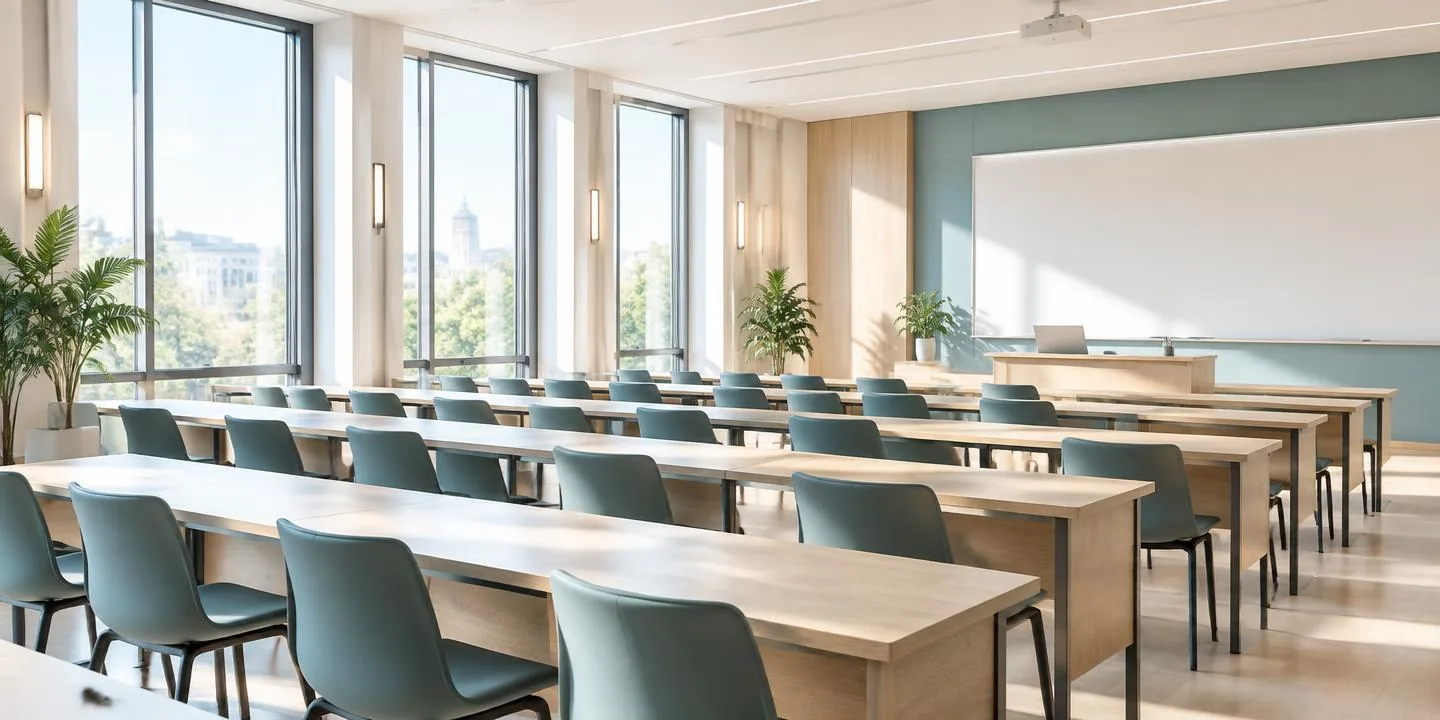
The seminar room, rebuilt for everywhere.
A live classroom that opens in the browser — infinite whiteboard, quizzes that grade themselves, attendance that records itself, and an AI assistant that writes your lesson notes while you teach. No installs for students. No data bundle wasted on video walls.
Running on servers we own and maintain in-house
Your teacher gives you six characters. That is the whole setup.
No account, no download, no app store. Type the code, your name and your email, and you are inside the room. Your email is used once — to enrol you in the class so quizzes, notes and your attendance record follow you afterwards.
- Works on any phone browser — Chrome, Safari, Opera Mini
- Already have a student account? Sign in instead
- Lost your code? Ask your teacher — codes look like ABC-123
Everything a good class needs, nothing it doesn't.
The infinite whiteboard
Fifteen tools — pen, marker, shapes, arrows, text, sticky notes, laser pointer. Pinch to zoom, drag a PDF in, paste a screenshot. Every stroke syncs live and the board is still there next lesson.
See the toolsetAn AI that does the paperwork
Generate multiple-choice questions, a full lesson note, a term's scheme of work, or an analysis of how the class is performing. Answers are cached for 30 days so the same request never costs you twice.
See the AI toolsQuizzes and attendance, handled
Push a quiz to every student mid-lesson and watch the scores land. Attendance is captured the moment someone joins or leaves, with streaks, consistency scores and per-term reports.
See the reportsA room that stays orderly while everyone is present.
One surface for the lecture, the diagram, the handout and the discussion. Live cursors show you who is drawing. The board saves itself, so a Tuesday lesson resumes exactly where Monday stopped.





“We tried three international platforms. The bandwidth alone killed them. Clique runs the whole lesson on the board, the attendance register writes itself, and the bill is in naira.”

Priced for a Nigerian school, not a Silicon Valley one.
The free plan is a complete, working classroom — not a trial, not a countdown. Pay only when you want more students in the room, more AI, or accounts for your whole staff.
No card. No expiry. No watermark.
Start teaching free- Unlimited classes and unlimited sessions
- Up to 20 students live in a room
- All 15 whiteboard tools, no limits
- Unlimited quizzes with auto-grading
- Attendance register and reports
- 10 AI generations a day
₦25,000 a year — two months free
See what's included- Everything in Starter
- Up to 60 students live in a room
- 60 AI generations a day
- Lesson notes and schemes of work
- 10 GB for handouts and recordings
- WhatsApp support, same working day
₦180,000 a year — two months free
Compare plans- 15 teacher accounts included
- Up to 120 students live in a room
- AI on fair use across the whole staff
- Your school's name and logo on join pages
- Admin dashboard and Excel exports
- Staff training session included
From. Quoted on your numbers.
Request a quote- Unlimited teacher accounts
- Up to 300 students live in a room
- Install on your own server, your own domain
- Single sign-on and bulk enrolment
- Named engineer and a response-time agreement
Transfer, card and USSD accepted. Full comparison and payment details →
Before you ask us
Is the free plan really free, or is it a trial?
It is free indefinitely. There is no countdown, no card on file and no feature that stops working after a month. The paid plans exist for bigger rooms, more AI generations and staff accounts — not to unlock basic teaching.
How much data does a lesson use?
A board-led lesson is mostly text and vector strokes, so a one-hour session typically costs a student far less than a video call. Students who need to can turn their camera off entirely and still follow everything on the board.
Do students need to create an account?
No. A code, a name and an email gets them into the room, and they are enrolled automatically so their quiz scores and attendance are kept. They can create a password later from the student sign-in page if they want to see their history.
Where is our data stored?
On servers we operate directly — not on a third-party cloud we cannot inspect. Institution customers can have Clique installed on a server they own. See the privacy policy for what we collect and how long we keep it.
Can we pay by bank transfer?
Yes — transfer, card or USSD. Schools usually pay a year at a time by transfer and we issue an invoice and receipt. Ask us for an invoice.
What happens if we stop paying?
Your account drops to the free plan. Nothing is deleted — your boards, quizzes and attendance records stay, and room sizes go back to the free limits. Email us any time for a full copy of your data.
Set up your first room this afternoon.
It takes about four minutes: create an account, name a class, send the code to your students.
Or call 0816 705 4577 · info@kweb.name.ng